How to Fly a Drone: The Complete Beginner's Guide
You just unboxed your drone, or you're about to. The excitement is real, but so is the uncertainty: where do you start? What do you do before powering up? How do you avoid breaking everything on the first flight?
This guide answers those questions in the right order. From regulations to the pre-flight checklist, from basic controls to the mistakes every beginner makes, you'll leave here knowing what you need to make your first flight safe and enjoyable.
Before You Fly: What the Law Requires
Flying a drone without understanding the regulations is the most common mistake, and one of the most costly. The rules aren't complicated, but they need to be followed.
In the United States, the FAA requires registration for drones weighing 0.55 lbs (250g) or more. Registration is done online at the FAA DroneZone website, costs $5, and is valid for 3 years. You'll receive a registration number that must be displayed on your drone.
In the UK, the CAA requires both an operator ID and a flyer ID for most recreational flying. In the EU, EASA regulations govern drone operations with different categories based on weight and risk.
Regardless of where you are, these fundamental rules apply almost universally:
- Maximum altitude of 400 feet (120 meters) above ground level in most uncontrolled airspace
- Keep the drone in visual line of sight at all times
- Never fly near airports: use an airspace app to check for controlled airspace
- Never fly over crowds of people or moving vehicles
- Yield to manned aircraft at all times
Always check local regulations before flying in a new country or region, as rules vary significantly.
Choosing Your First Flying Location
The location of your first flight matters as much as the equipment itself. Choose poorly and a learning flight turns into a drone stuck in a tree, or worse, an incident involving a person or property.
The ideal location for beginners combines:
- Open space without trees, poles, or structures nearby within at least 50 meters (150 feet)
- Few or no people in the vicinity
- Absence of strong winds (ideal: below 15 mph)
- Outside of airport exclusion zones
- Legal to fly (check apps like AirMap, LAANC, or your country's equivalent)
Empty sports fields, large open parks at quiet hours, and open rural areas are great for first flights. Avoid crowded beaches and busy parks until you're confident in the controls.
Pre-Flight Checklist: What to Check Before Taking Off
Experienced pilots have a ritual before every flight. Developing this habit from the start is what separates those who fly for years without incidents from those who crash in the first weeks.
Equipment check:
- Drone battery charged (minimum 80% for first flight)
- Controller battery charged
- Propellers installed correctly and undamaged (check for cracks or chips)
- Camera and gimbal unobstructed
- Memory card inserted (if applicable)
- All arms and landing legs locked in place (on foldable models)
Environment check:
- Wind: check speed with a weather app (Windy, Weather Channel)
- Airspace: use AirMap, Aloft, or your country's equivalent to confirm the area is clear
- Obstacles: look up and around before taking off
- People: ensure minimum safe distance
Software check:
- Drone app connected and showing GPS signal (wait for at least 8 satellites locked)
- Drone and controller firmware up to date
- Home point set (the automatic return location if signal is lost)
Understanding the Controls
Most modern drones use two joysticks on the remote controller. Each joystick controls two axes of movement simultaneously.
Left joystick:
- Up/down: raises and lowers the drone (throttle)
- Left/right: rotates the drone on its own axis (yaw), like spinning in place
Right joystick:
- Up/down: moves the drone forward and backward (pitch)
- Left/right: moves the drone laterally (roll)
The combination of these four movements enables any maneuver. At first, the temptation is to use both joysticks at the same time. Resist: practice one movement at a time until each control feels natural.
Flight modes for beginners:
Drones like those in the DJI lineup offer modes that make learning easier:
- Normal mode (N): GPS active, drone stabilizes automatically when you release the joysticks. This is the default mode and safest for beginners.
- Cine mode (C): slower, smoother movements. Ideal for first flights because the drone reacts with less intensity to commands.
- Sport mode (S): disables some assistance and allows higher speeds. Avoid until you have experience.
The First Movements: Learning Sequence
Learn in this order. Don't skip steps: each skill builds the next.
1. Stable takeoff and landing The first goal is to take off, hover at 3–6 feet for 30 seconds without moving from position, and land at the same spot. It sounds simple and it isn't. Do this until you feel total control.
2. Controlled ascent and descent Climb slowly to about 30 feet, hover, descend slowly. Practice sensing how the drone responds to different throttle intensities.
3. Rotation on its own axis (yaw) With the drone stopped at 15 feet altitude, rotate it slowly 90 degrees to the left, pause, rotate 90 more to the right. The ability to control yaw is essential for maintaining orientation in space.
4. Simple lateral movements Move forward, backward, left, right, always one axis at a time, always at low speed.
5. Combining movements Now you can start combining. Move forward while ascending. Move backward while rotating. Over time, the movements begin to feel natural.
6. Square or circle flight Define an imaginary square in the air and fly along the perimeter, maintaining constant altitude. It's the most complete exercise for beginners, requiring simultaneous control of multiple axes.
Most Common Beginner Mistakes (and How to Avoid Them)
Flying without GPS locked. Before taking off, wait for the app to confirm the drone has locked on to at least 8 satellites. Without GPS, the drone doesn't know where it is and doesn't maintain position automatically.
Ignoring app warnings. The drone app displays alerts about wind, low battery, exclusion zones, and other issues. Reading these warnings and acting on them is the pilot's responsibility.
Not setting the home point. The home point is where the drone automatically returns if it loses the controller signal. Confirm it's set correctly before every flight.
Flying until the battery is empty. When the app warns that the battery has reached 30%, start landing. At 20%, the drone will land automatically, but it's better not to let it get there.
Rotating the drone and losing orientation. When the drone is facing you, controls are intuitive. When it's facing away from you, left and right reverse. Practice this consciously until it becomes automatic.
Over-correcting unexpected movements. When wind pushes the drone, the reflex is to move the joystick forcefully. This often makes the situation worse. Smooth, gentle movements are more effective.
Where to Go From Here
After mastering the fundamentals, the next step is experimenting with automatic modes: QuickShots, ActiveTrack, and Waypoints on DJI drones. These features automate complex maneuvers and let you focus on composition and creativity rather than controls.
For those still deciding which equipment to buy, a guide comparing the best beginner drones breaks down the main models available globally, including real flight times, price tiers, and what each is best suited for.
FAQ
Sources: FAA: Recreational Flyers | DJI: Flight Safety
More like this
Related Articles
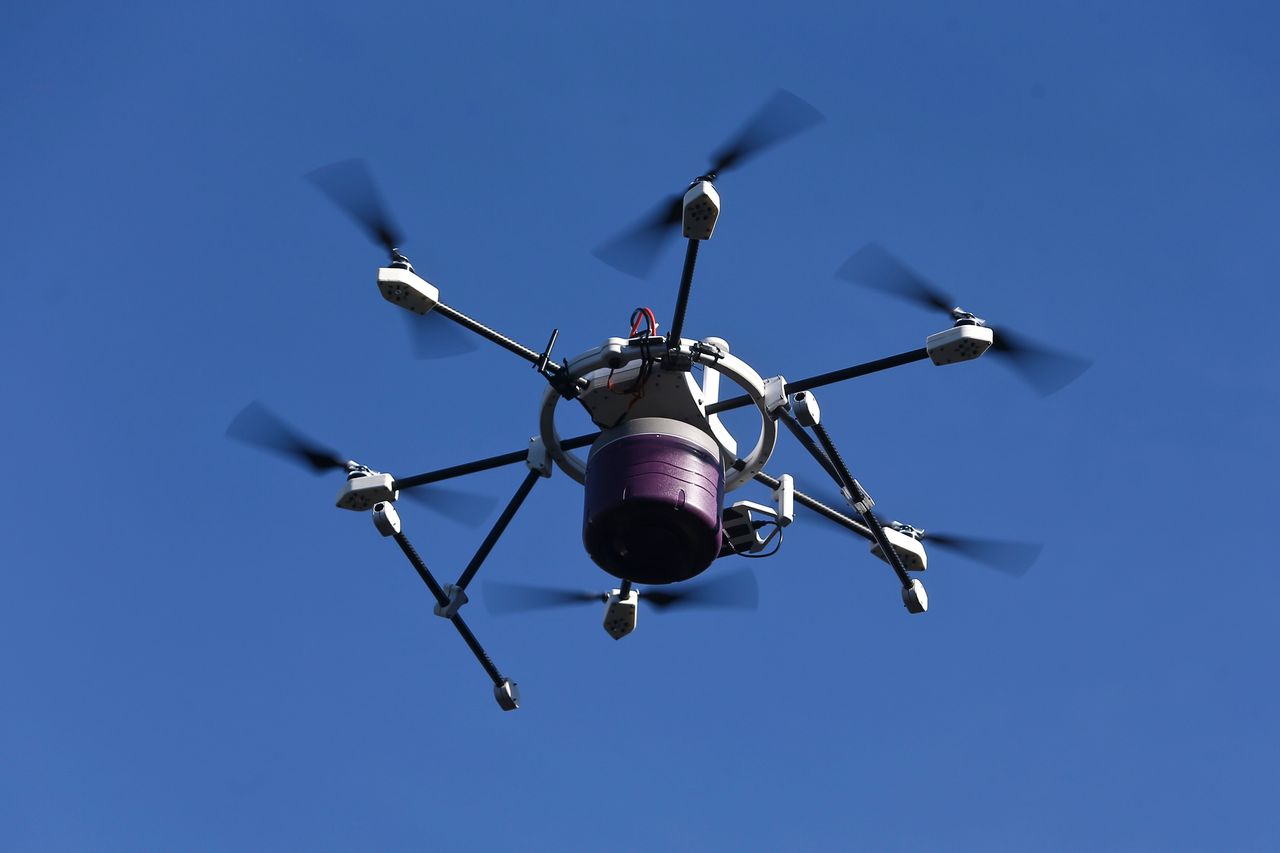
Drone Delivery in 2026: How It Works, Cost & Coverage
Drone delivery in 2026: how Amazon, Wing, Zipline, and DoorDash actually work, what deliveries cost, and how to check if the servi…
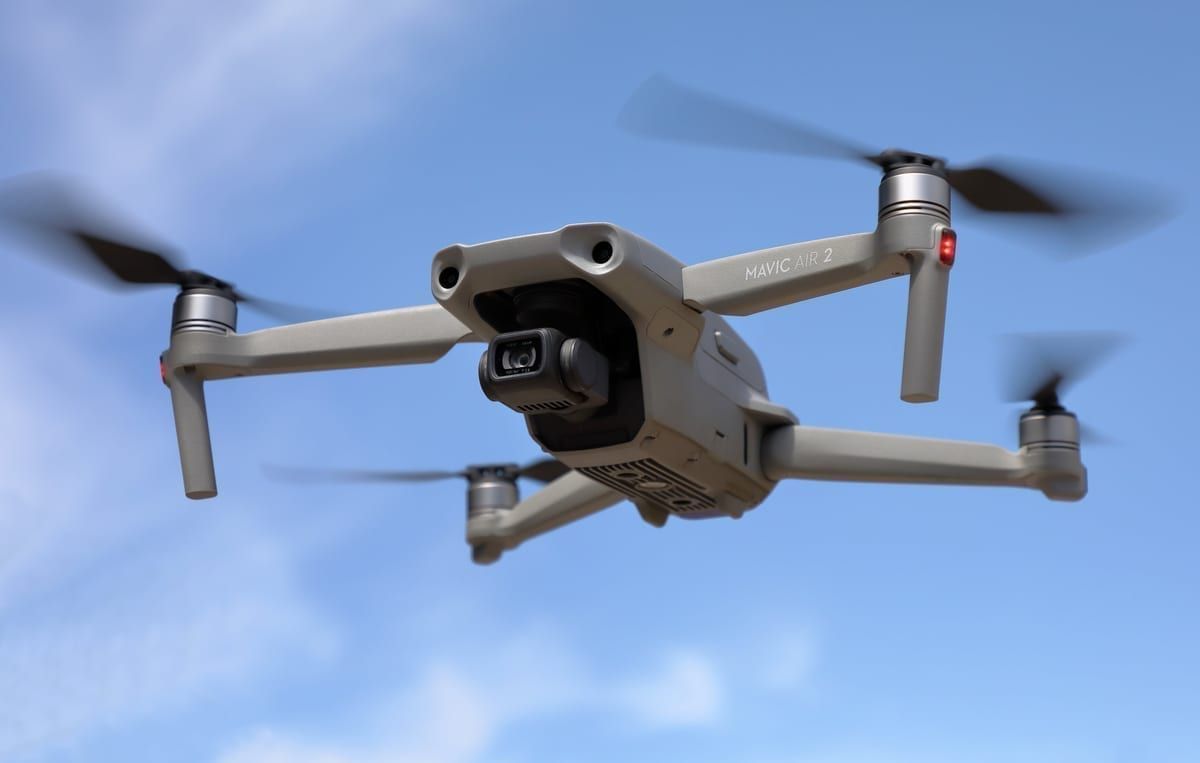
Is DJI Banned in the US? 2026 Status, Rules and FAQ
DJI isn't fully banned in the US, but new models can't get FCC approval. Here's exactly what's restricted, what's still legal, and…
Drone Pilot Career: Salary, Jobs & Licensing in 2026
US drone pilots earn $47,000-$137,000 in 2026 depending on sector. See real salary data, the industries hiring, licensing costs, a…